Traditional Antivirus Isn’t Enough. Here’s Why We Use ThreatLocker
Your employee opens what looks like a legitimate invoice. Within seconds, ransomware tries to launch. Traditional antivirus may not recognize it yet, but what if it never got the chance to run?
For years, businesses have relied on antivirus software to keep hackers out. But today’s cyberattacks move faster, use legitimate software as weapons, and often slip past traditional security tools.
That’s why at KSP, we believe prevention is better than cleanup.
One of the most important layers in our cybersecurity stack is ThreatLocker, a Zero Trust security platform that helps stop ransomware, unauthorized software, and malicious activity before it has a chance to run. ThreatLocker
What is ThreatLocker?
Think of ThreatLocker as a security guard standing at every computer in your business.
Instead of asking:
“Is this software known to be bad?”
ThreatLocker asks:
“Was this software approved to run here?”
If the answer is no, it doesn’t run.
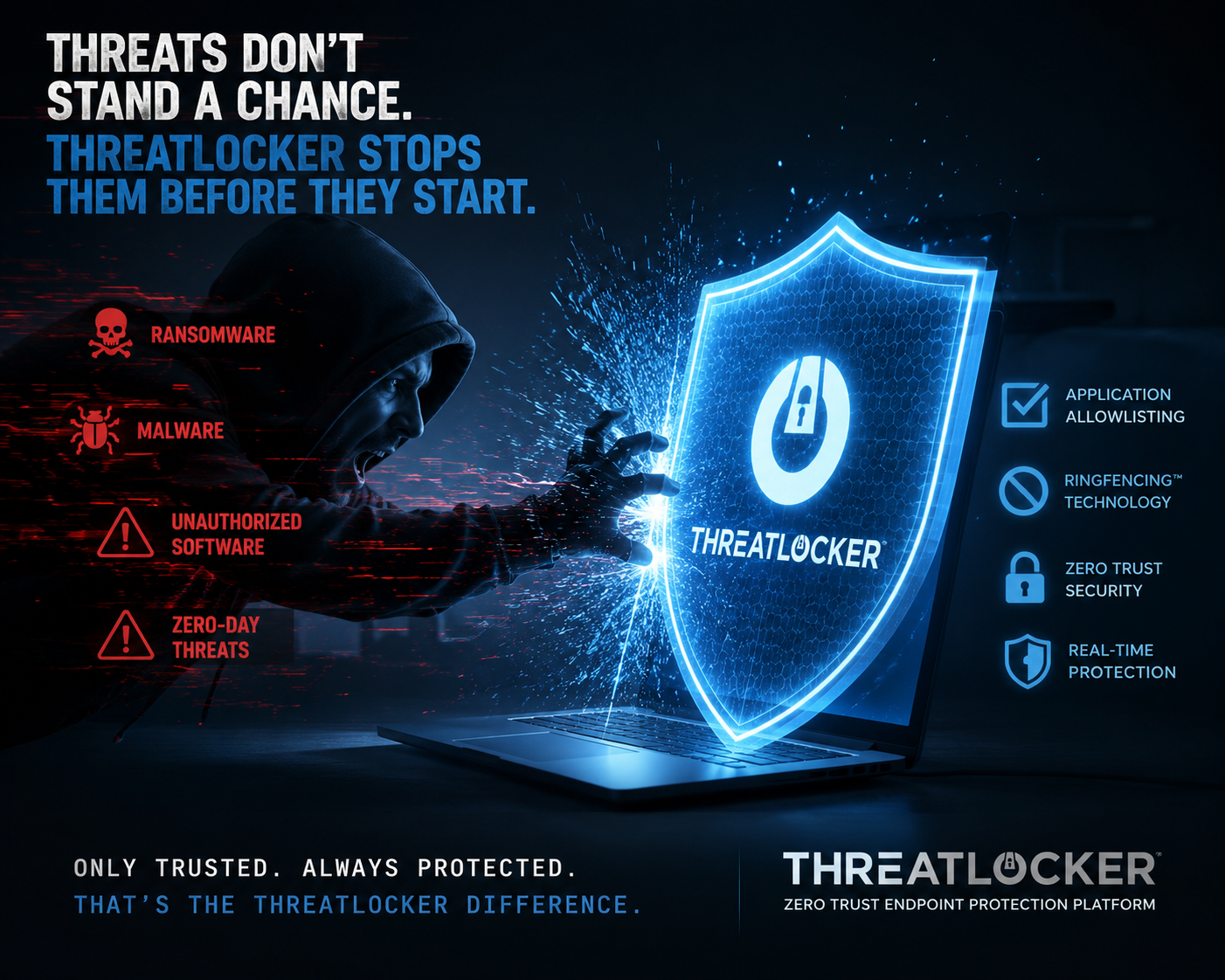
This approach is called application allowlisting, and it’s based on Zero Trust security principles. Rather than assuming software is safe until proven otherwise, ThreatLocker blocks anything that hasn’t been explicitly approved. ThreatLocker
Unlike traditional antivirus software, which relies heavily on identifying known malware, ThreatLocker focuses on preventing unknown or unauthorized programs from executing in the first place.
How KSP Uses ThreatLocker
ThreatLocker isn’t a “set it and forget it” product.
It’s most effective when it’s actively managed, monitored, and tailored to each business. That’s where we come in.
At KSP, we deploy ThreatLocker as part of a layered cybersecurity strategy.
Some of the ways we use it include:
Application Allowlisting
Only approved software can run. If ransomware, malicious scripts, or an unknown application appears on a computer, ThreatLocker blocks it before it can execute.
Ringfencing®
Sometimes even trusted software can be exploited.
ThreatLocker’s Ringfencing technology limits what approved applications are allowed to do.
For example:
- Microsoft Word shouldn’t launch PowerShell.
- Your accounting software doesn’t need internet access to every destination.
- A browser shouldn’t be able to access sensitive financial folders.
Even if an attacker compromises a trusted application, Ringfencing helps contain the damage by enforcing strict boundaries.
Storage & Device Control
USB drives remain one of the easiest ways for malware or sensitive data to leave an organization.
ThreatLocker lets us control:
- USB storage devices
- External hard drives
- Sensitive folders
- Data access permissions
That means better protection against accidental or intentional data loss.
Visibility
ThreatLocker also gives our technicians valuable insight into:
- What applications are running
- Which programs are requesting access
- Unusual behaviour across endpoints
- Policy changes and security events
This visibility helps us respond quickly while continually refining your security policies.
Why We Trust ThreatLocker
There are plenty of cybersecurity tools on the market.
We trust ThreatLocker because its philosophy aligns with ours:
Don’t wait for an attack, prevent it from happening.
ThreatLocker embraces a Zero Trust model where nothing is automatically trusted simply because it exists on your network.
For our clients, that means:
- Better protection against ransomware
- Reduced attack surface
- Stronger control over endpoints
- Support for compliance initiatives
- Fewer opportunities for attackers to exploit legitimate software
Just as importantly, ThreatLocker continues to evolve as cyber threats change, adding capabilities beyond allowlisting such as privileged access management, network access controls, and data protection.
Does ThreatLocker Replace Antivirus?
No.
This is an important point to explain.
ThreatLocker is not designed to replace every other security tool.
Instead, it adds another critical layer.
At KSP, we believe cybersecurity works best when multiple protections work together—including endpoint detection and response (EDR), email security, backups, user training, multi-factor authentication, and proactive monitoring. ThreatLocker strengthens that strategy by preventing unauthorized software from running in the first place.
Traditional antivirus is like having a bouncer who only recognizes known troublemakers. ThreatLocker is like having a guest list, if you’re not on it, you don’t get in.
The Bottom Line
Cybersecurity is no longer about reacting to threats after they’re discovered.
It’s about reducing opportunities for attacks to succeed.
ThreatLocker helps us do exactly that by giving businesses greater control over what runs in their environment, how applications behave, and how sensitive data is protected.
Combined with KSP’s proactive management and support, it’s another way we help businesses reduce downtime, strengthen security, and focus on what matters most, running their business with confidence.
Resources on ThreatLocker
- ThreatLocker – Zero Trust Platform Overview
- ThreatLocker – Zero Trust in Action: Blocking and Containing Applications
- ThreatLocker – Ringfencing Explained
- ThreatLocker – Zero Trust Solutions Whitepaper
- ThreatLocker – Data Storage Access Control