AI and Your Business: Practical Uses, Risks and Best Practices
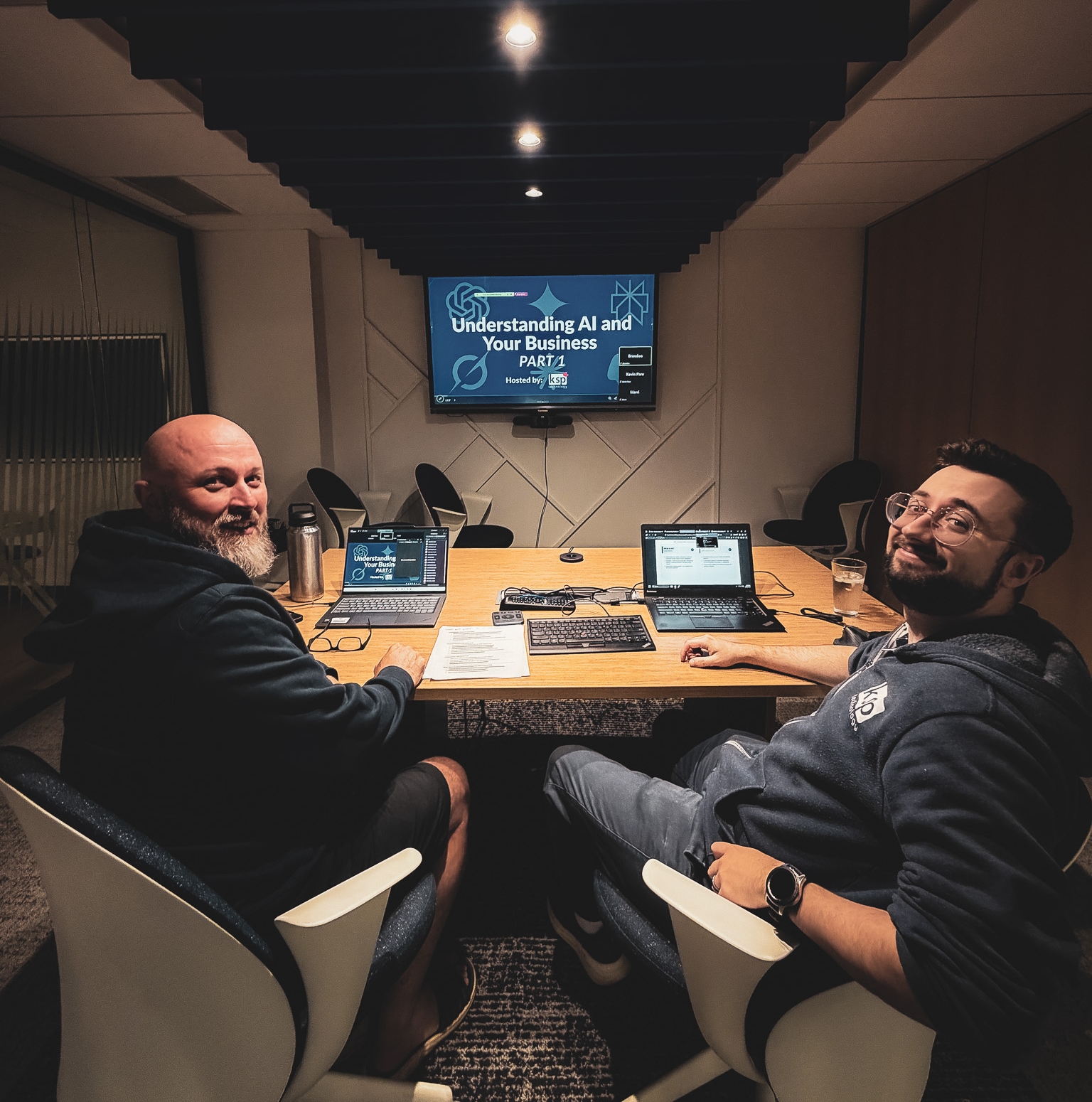
Last week, Brandon and Kevin hosted Understanding AI and Your Business: Part 1, a practical introduction to what artificial intelligence is, how businesses are already using it, and what organizations need to consider before bringing it into the workplace.
The biggest takeaway was simple: AI is a tool, not a replacement for people. Brandon also did a live demonstration of ChatGPT creating an AI usage policy for an Ag Company! No, not an egg company! Within seconds, we had a 7-page comprehensive AI usage policy. With some small tweaks, it could be used by our Ag company OR by you!
Used well, AI can save time, support your team, and make everyday work more efficient. Used without the right oversight, however, it can create accuracy, privacy, and security risks.
What Is AI, Really?
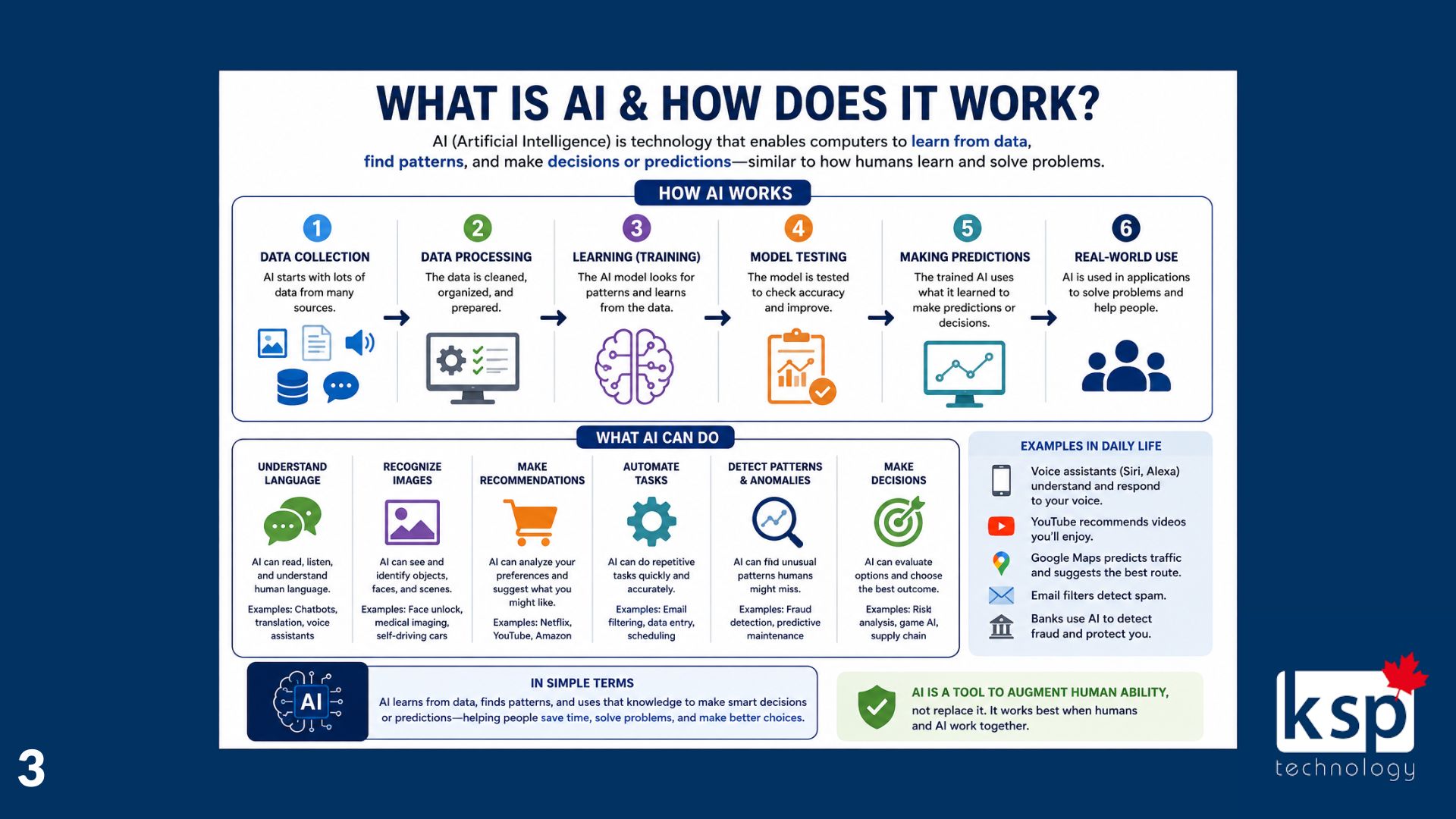
Artificial intelligence learns patterns from data and uses those patterns to generate content, answer questions, make predictions, or assist with tasks.
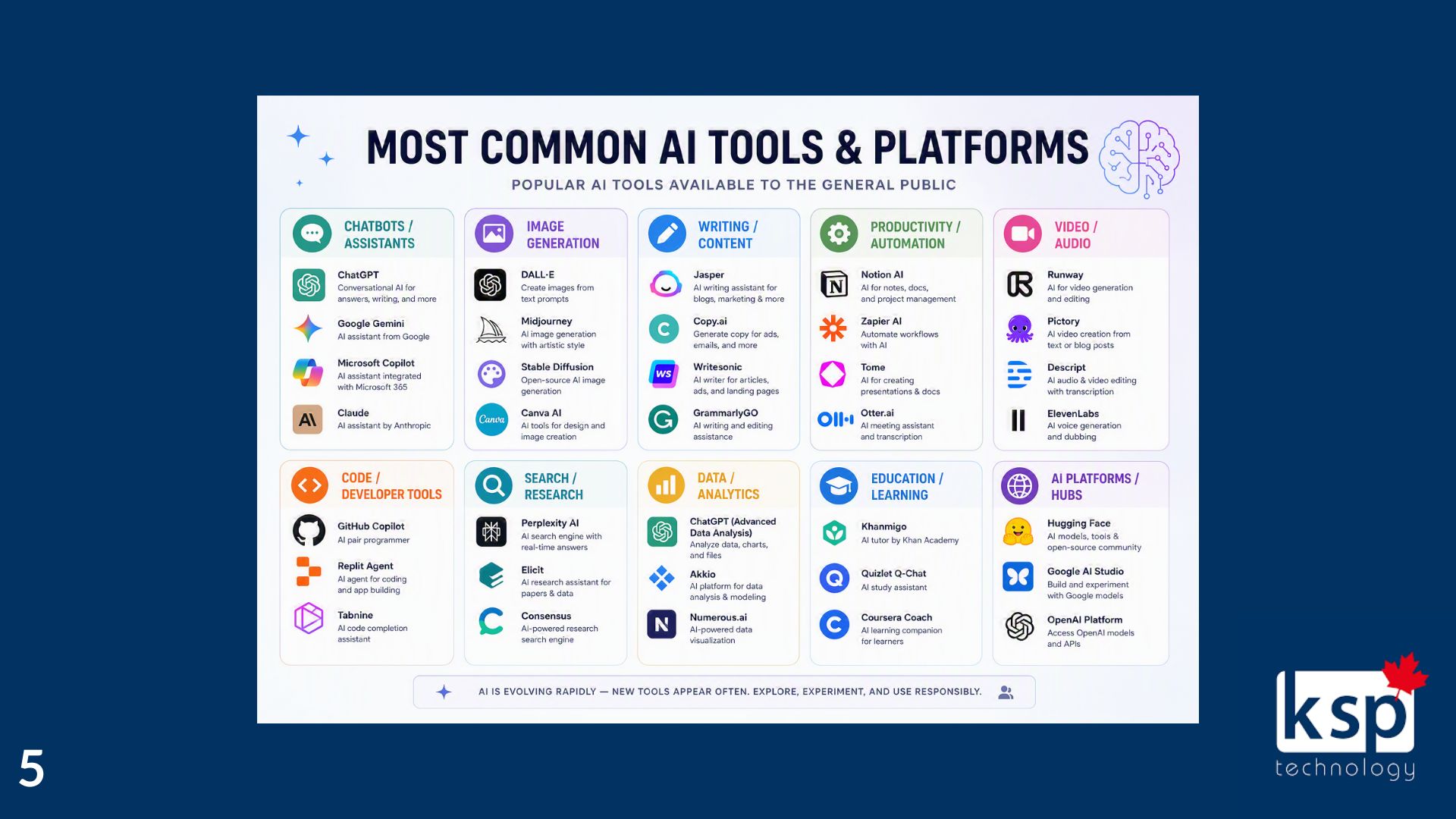
Tools such as ChatGPT, Microsoft Copilot, Google Gemini, and Claude have made AI more accessible than ever. You do not need to be a developer or technology expert to use them—but the quality of the results often depends on the instructions, or prompts, you provide.
AI works best as an assistant. It can help you get started, organize information, and complete routine work more efficiently, while your team provides the context, experience, and judgment needed to produce a reliable result.
Practical Ways Businesses Can Use AI
For many organizations, the best place to begin is with simple, low-risk tasks.
AI can help your team:
- Draft emails, documents, and internal communications
- Summarize meetings or lengthy information
- Create how-to guides and documentation
- Support customer service and marketing activities
- Automate repetitive administrative tasks
- Assist with regular reports
These uses are not about handing your business over to a machine. They are about reducing the time spent staring at a blank page or completing repetitive work so your people can focus on customers, decisions, and growth.
The goal should not be to use AI everywhere. Start by identifying a task that takes too much time, happens frequently, and can still be reviewed by a person before the result is used.
AI Usage in Daily Life
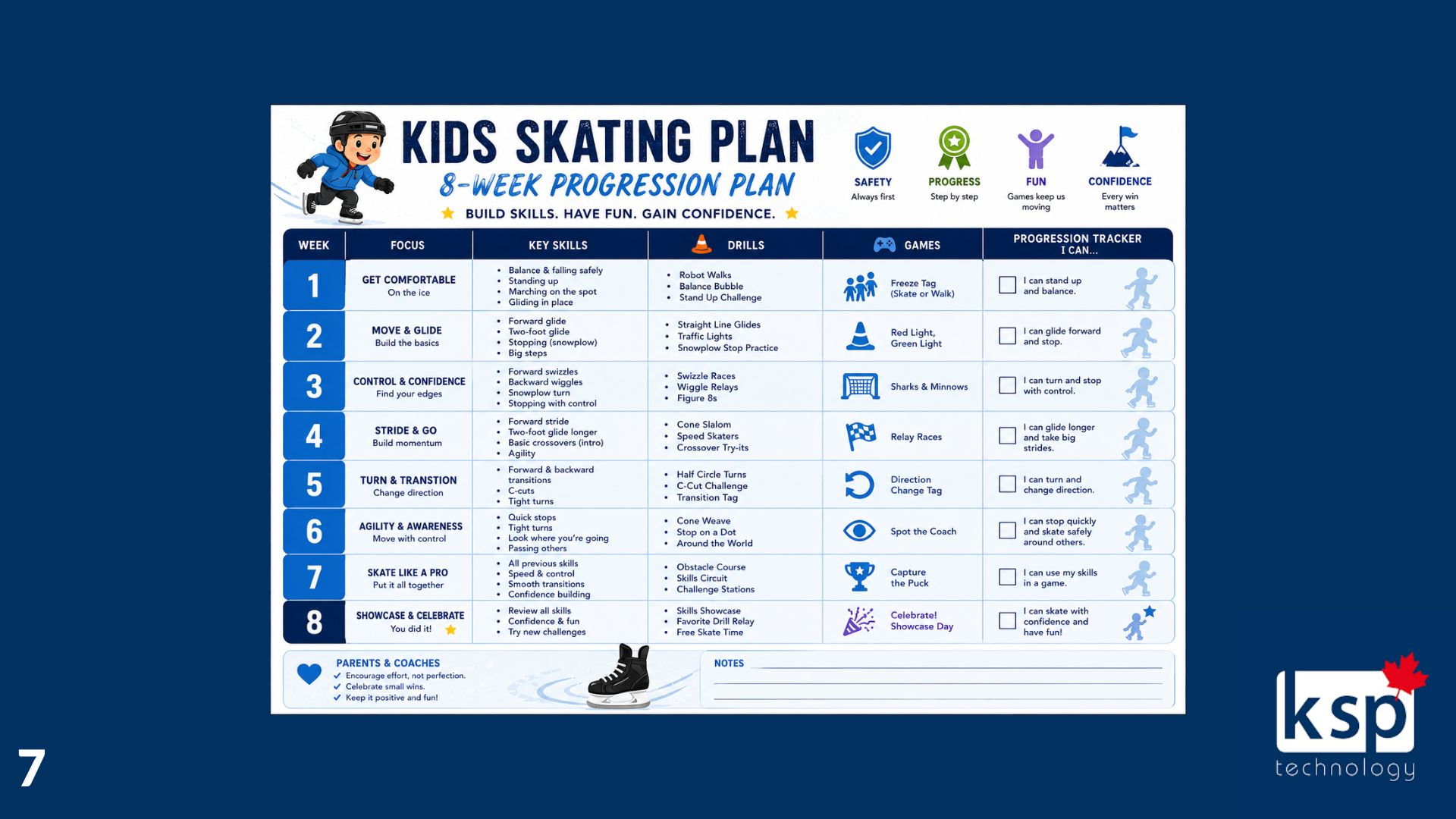
One example we gave came from one of our team members. He coaches his kid in skating and needed a practice plan. Well, he had his AI develop an 8-week program with skills, drills, games and a way to track progression.
Initiatives like these used to be something we had to do by hand, but now the tools are available to take the planning off the coach so they can focus on more important endeavours.
AI Still Needs Human Oversight
AI can sound confident even when the information it provides is incomplete or incorrect. It does not understand your business in the same way your employees do, and it cannot replace human judgment.
That means AI-generated information should always be reviewed before it is shared with a customer, used to make a decision, or added to an official document.
During the webinar, we highlighted four important limitations:
- AI can make mistakes.
- It lacks human judgment.
- It can create privacy and security concerns.
- A person should always remain involved in the process.
Think of AI as a capable assistant, not the final decision-maker.

Do Not Trade Convenience for Security
One of the most important questions is not simply, “What can this AI tool do?” It is, “What happens to the information we give it?”
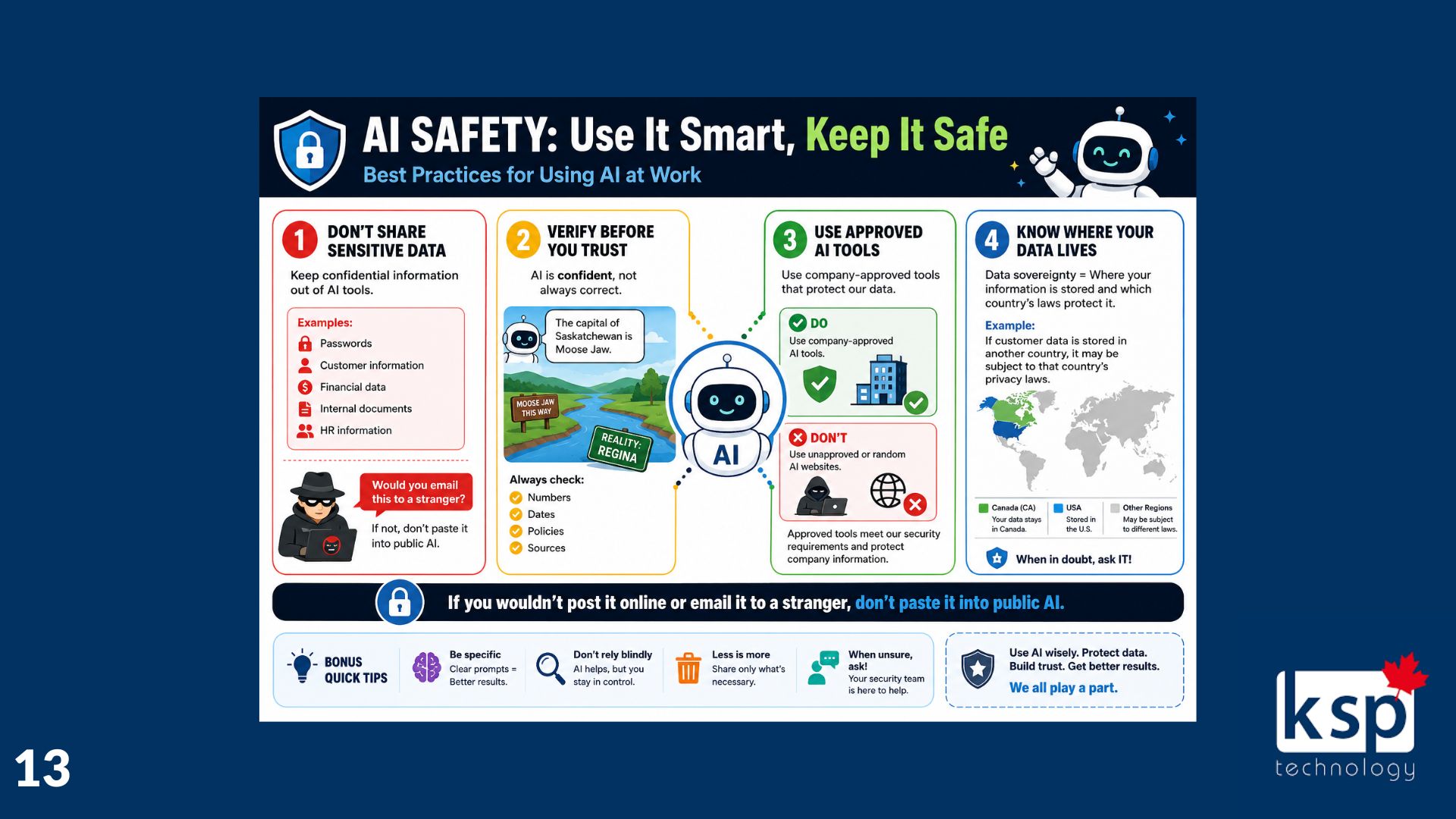
Employees should never paste passwords, customer records, financial information, HR documents, confidential communications, or other sensitive business data into a public AI tool.
Before adopting a platform, your business should understand how the provider stores, processes, and uses your information, including where that data is located. For Saskatchewan organizations, data sovereignty and Canadian privacy requirements can be especially important considerations.
A few practical rules can make AI use much safer:
- Do not share sensitive or confidential information.
- Verify facts, dates, numbers, policies, and sources.
- Use tools approved by your organization.
- Understand where your data is stored.
Ask your IT or security team when you are uncertain.
A helpful guideline is this: If you would not post it publicly or email it to a stranger, do not paste it into a public AI tool.
Every Business Needs an AI Usage Policy
Whether leadership has officially adopted AI or not, there is a good chance someone in the organization is already experimenting with it.
An AI usage policy gives employees clear direction. It should explain which tools are approved, what information must never be entered, when human review is required, and who employees should contact with questions.
The purpose is not to prevent innovation. It is to give your team the confidence to explore AI without putting your business, customers, or data at unnecessary risk.
AI Helps With Email, Welcome Fyxer
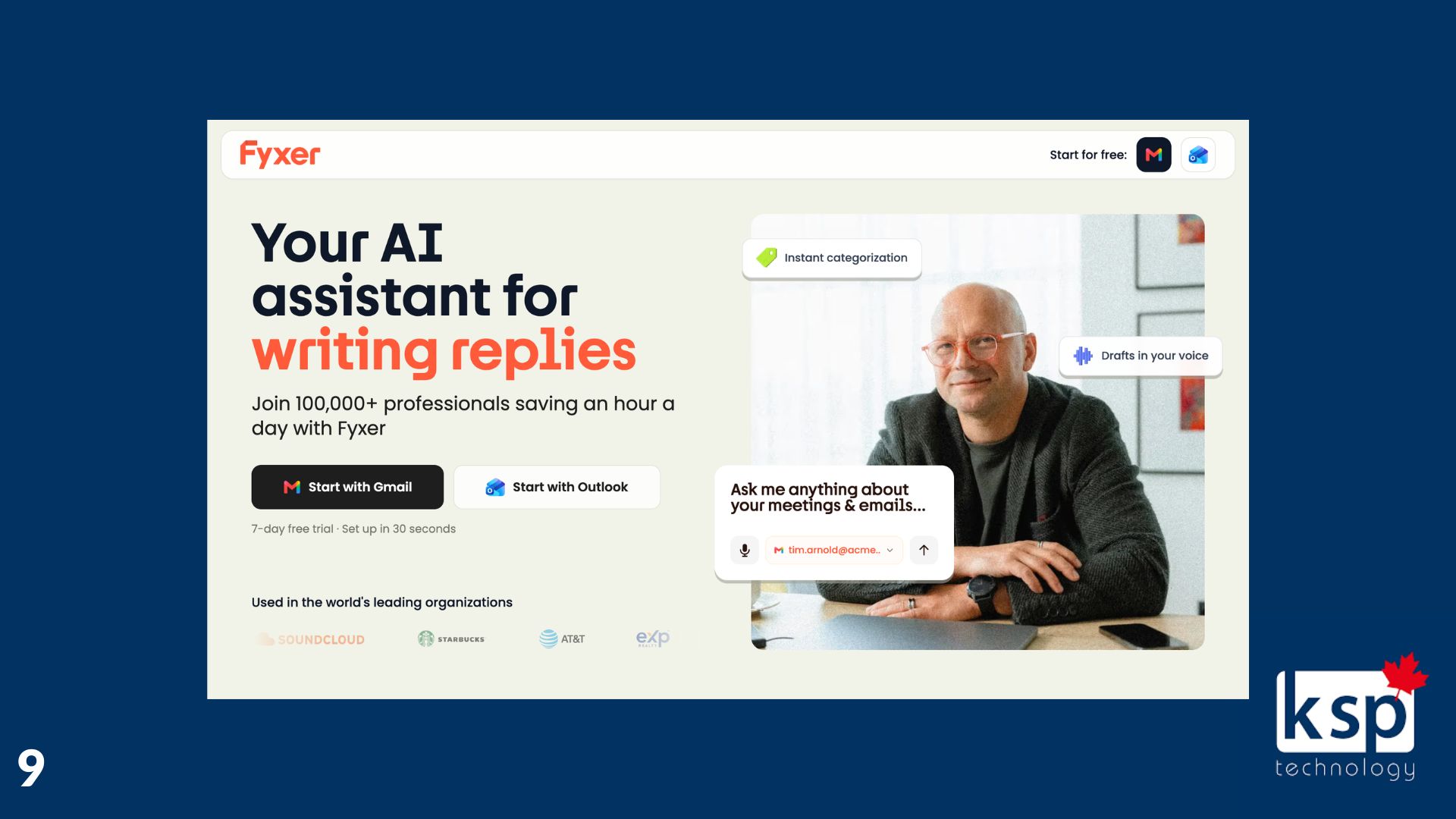
Kevin shared Fyxer as a practical example of how AI can make everyday work more manageable. Fyxer helps organize your inbox by sorting incoming messages, bringing the most important emails to the top, and moving lower-priority items further down the list. It can also help draft replies, making it easier to work through email faster without losing sight of the messages that need your attention most. The goal is not to replace your judgment, but to reduce inbox clutter and help you stay focused on what matters.
KSP’s Approach to AI
At KSP, we are exploring practical AI solutions while keeping security, privacy, and responsible use at the centre of the conversation. We want businesses to benefit from AI without introducing risks they do not fully understand.
Start small. Choose a practical use case. Keep a person in the loop. Most importantly, establish clear rules before AI becomes part of your everyday operations.
Need help evaluating AI tools or creating an AI usage policy for your business? Connect with our team. We’ll help you take a practical, secure approach that supports your people and your goals.