Tired of Getting Spam Phone Calls? Read This!
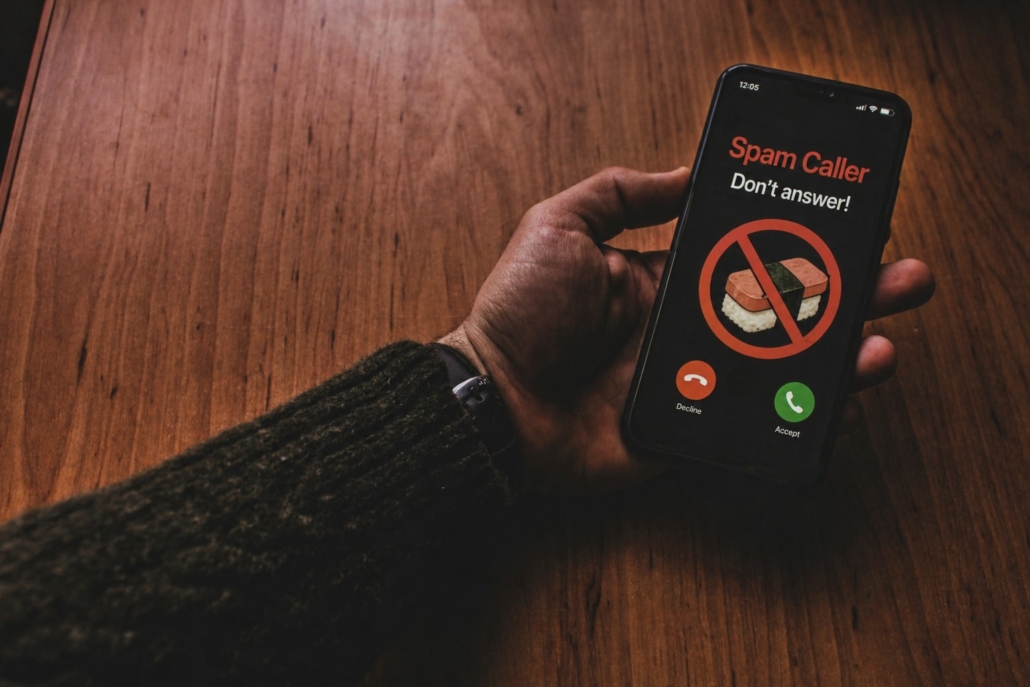
If it feels like your phone rings more with spam than with real calls lately, you’re not alone. For business owners and busy teams, those constant interruptions aren’t just annoying—they’re a productivity killer.
The good news? If you’re using an iPhone, there’s a simple setting that can help you take back control.
A Smarter Way to Screen Unknown Callers
Apple has introduced a feature that helps filter out unwanted calls by asking unknown callers to identify themselves before your phone even rings through.
Here’s how to turn it on:
1. Open Settings
2. Tap Apps
3. Select Phone
4. Turn on “Ask Reason for Calling”
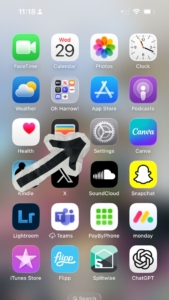
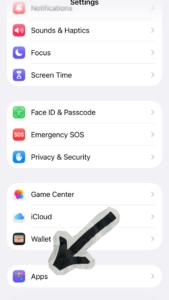
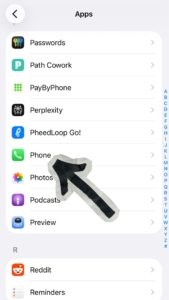
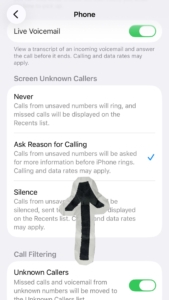
Once enabled, any number that isn’t in your contacts will be prompted to state who they are and why they’re calling. You’ll see that information before deciding whether to pick up.
Why This Matters for Your Business
This isn’t just about convenience—it’s about focus and security.
- Fewer interruptions during your workday
- Better call screening so you only answer what matters
- Reduced risk of falling for phone-based scams
It’s a small change that can make a noticeable difference, especially if your phone is a key part of running your business.
Taking It a Step Further
While features like this are great, spam calls and cyber threats are constantly evolving. That’s where having the right IT partner makes all the difference.
At KSP Technology, we help businesses across Saskatchewan stay protected, productive, and worry-free—from cybersecurity to communication systems that actually work the way you need them to.
If you’re dealing with tech headaches beyond just spam calls, our team is here to help.