Microsoft Copilot: Free vs. Paid: What Your Business Needs to Know
Microsoft Copilot is showing up everywhere, inside Windows, Edge, Outlook, Teams, Word, and more.
Naturally, business leaders are asking:
“If Copilot is free, why would we pay for it, and which version should our team actually use?”
It’s a fair question. And the answer matters, especially when productivity, security, and compliance are on the line.
Let’s break it down clearly.
Copilot Isn’t One Product (And That’s Where the Confusion Starts)
One of the biggest misconceptions we see is assuming Copilot is a single tool.
It’s not.
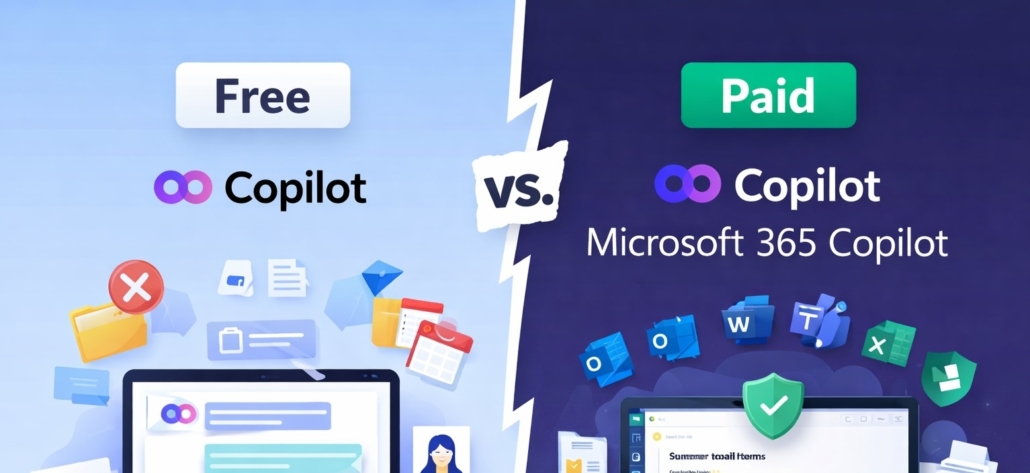
“Copilot” is a brand name Microsoft uses across different AI experiences. Some are free. Some are licensed. And they behave very differently in a business environment.
For most organizations, the comparison comes down to:
- Copilot (Free / Chat-Based)
- Microsoft 365 Copilot (Paid / Fully Integrated)
They may look similar on the surface. Under the hood? Very different.
What the Free Version Is Good For
Think of free Copilot as a secure AI assistant you can chat with.
It’s helpful for:
- Brainstorming ideas
- Drafting or rewriting emails
- Summarizing content you paste in
- Basic research
- Generating outlines or first drafts
What it doesn’t do is connect directly to your organization’s Microsoft 365 environment.
It can’t see:
- Your Outlook inbox
- Teams chats or meetings
- OneDrive or SharePoint files
- Internal spreadsheets or documents
That limitation is intentional, and it reduces risk. But it also limits business impact.
Free Copilot is an assistant you can talk to.
It’s not an assistant that understands your company.
Where Free Copilot Falls Short at Work
In a business setting, that lack of context matters.
Teams often find themselves:
- Copying and pasting information manually
- Uploading files one at a time
- Reworking answers that don’t reflect internal processes
- Double-checking output because there’s no organizational awareness
There’s nothing “wrong” with the free version; it just isn’t designed to live inside your workflows.
If you’re experimenting with AI, it’s a good start.
If you’re trying to save real time across your organization, it has limits.
What Microsoft 365 Copilot (Paid) Actually Adds
Microsoft 365 Copilot is designed for business productivity, not just AI conversations.
It works directly inside:
- Outlook
- Teams
- Word
- Excel
- PowerPoint
- OneDrive & SharePoint
Because it connects through Microsoft Graph and your Microsoft 365 permissions, it can:
- Summarize long email threads
- Draft replies using actual conversation history
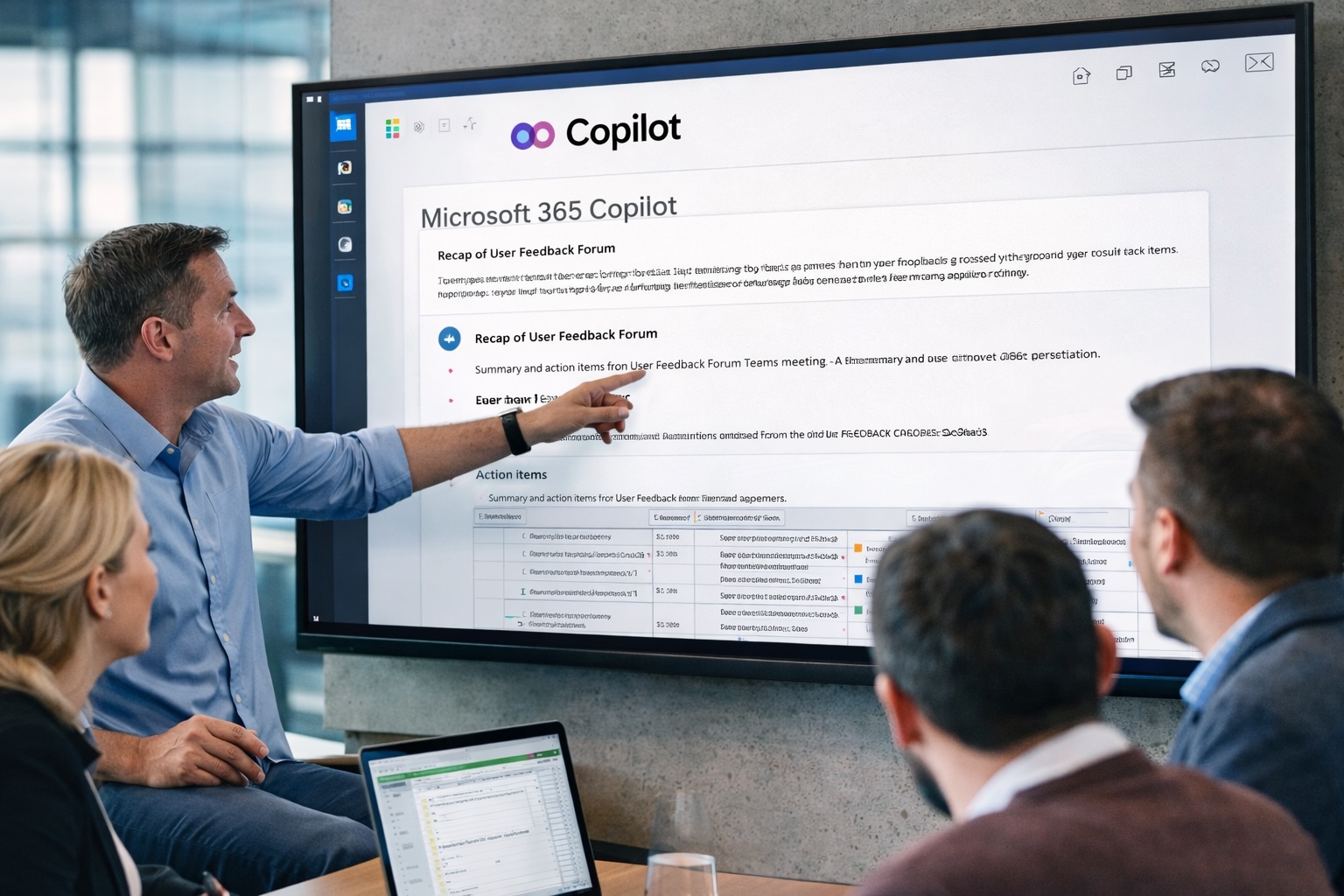
- Generate Teams meeting summaries and action items
- Build documents based on your existing files
- Analyze Excel data using plain-language questions
And importantly:
Copilot doesn’t create new access to data.
It only works with what a user already has permission to see.
That’s a critical distinction for security and compliance.
Security & Privacy: Where the Difference Really Matters
For Saskatchewan businesses, especially in healthcare, engineering, and the public sector, governance isn’t optional.
Here’s how the two versions compare:
Free Copilot
- Uses Microsoft’s commercial data protections
- Prompts are not used to train public AI models
- Does not access your Microsoft 365 tenant data
- Limited governance and compliance controls
Microsoft 365 Copilot (Paid)
- Integrated with Microsoft Entra ID
- Governed by Microsoft 365 security and compliance frameworks
- Managed through Microsoft Purview
- Activity is auditable and policy-controlled
- Designed for regulated and security-sensitive environments
In plain language:
Free Copilot is safe for general use.
Microsoft 365 Copilot is built for business use.
There’s a big difference between “interesting AI tool” and “secure productivity platform.”
Why Some Organizations License It, and Others Don’t
Not every employee needs Microsoft 365 Copilot.
We typically see the strongest return when:
Staff spend significant time in Outlook and Teams
- Meetings create heavy follow-up work
- Teams reuse documents and spreadsheets regularly
- Leadership wants measurable productivity gains
- Compliance and data governance are priorities
Free Copilot may be enough when:
- AI use is occasional
- Tasks are mostly brainstorming or drafting
- There’s no need for deep Microsoft 365 integration
Many organizations start small, testing free Copilot, then license Microsoft 365 Copilot strategically for high-impact roles.
That approach keeps costs predictable and adoption intentional.
The Bottom Line
Copilot Free is a good introduction to AI.
Microsoft 365 Copilot is a secure productivity layer inside your business systems.
Understanding the difference helps you:
- Avoid confusion
- Reduce unnecessary risk
- Set realistic expectations
- Make smarter licensing decisions
If you’re unsure which version makes sense for your environment, it’s worth reviewing your setup before enabling Copilot broadly.
At KSP, we help Saskatchewan organizations roll out AI tools in a way that’s secure, governed, and aligned with real business outcomes — not just hype.